Duo Animation
Install NIVO Duo in two minutes.
Duo is an indie app and isn’t notarized by Apple yet. That only means macOS asks you to confirm it once. Every click is below.
-
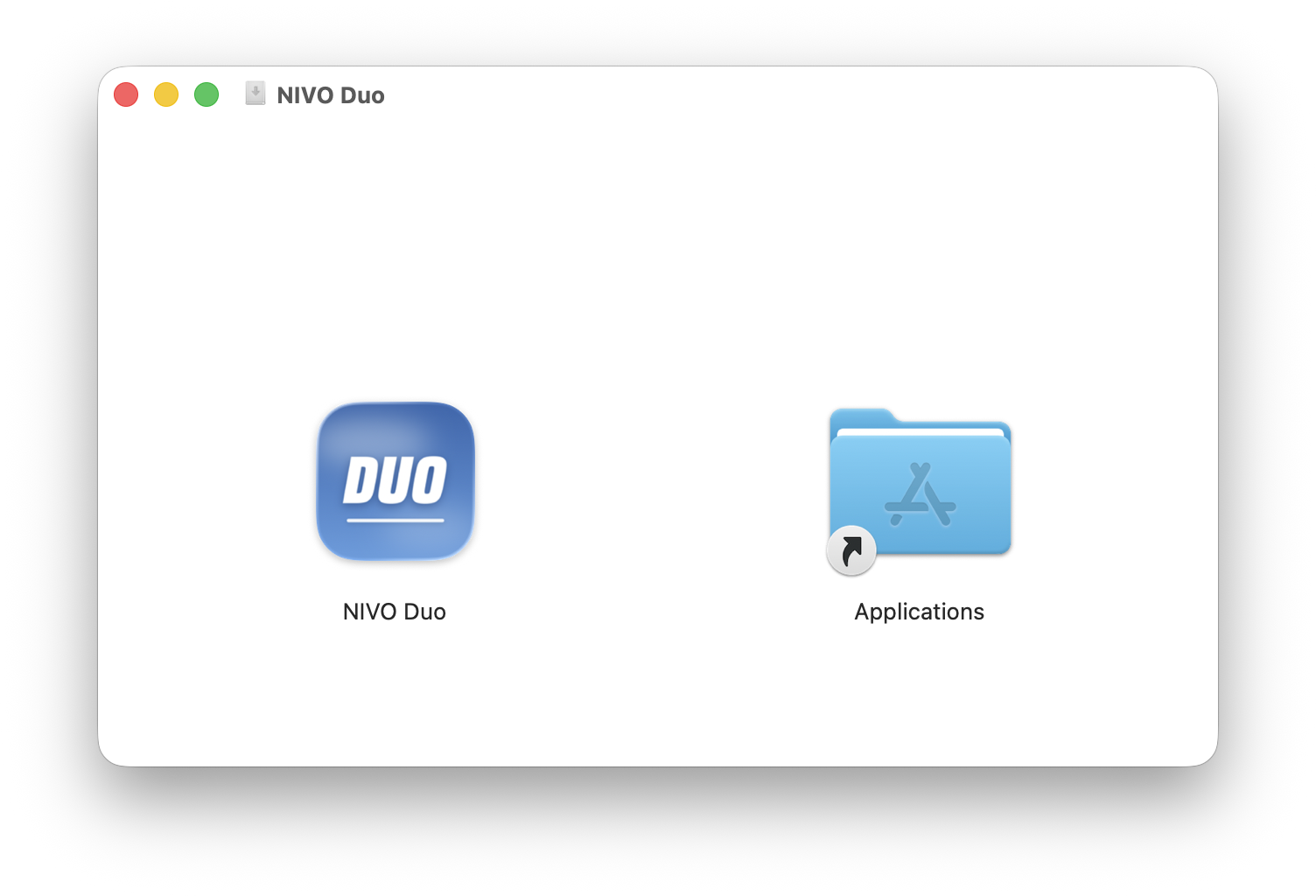
1 Open the download, drag it over
Double-click NIVO-Duo.dmg in your Downloads folder. Drag the NIVO Duo icon onto Applications, then eject the disk image.
-
2 Open it, then click Done
Open NIVO Duo from Applications. Because the app isn’t notarized, macOS shows this once. Click Done. Don’t move it to the Bin.
“NIVO Duo” Not OpenedApple could not verify “NIVO Duo” is free of malware that may harm your Mac or compromise your privacy.
Move to Trash Done -
3 Click Open Anyway
Open System Settings → Privacy & Security and scroll down to Security. Next to “NIVO Duo was blocked”, click Open Anyway. Confirm with Touch ID or your password, then click Open.
GeneralAppearanceControl CentrePrivacy & SecurityDesktop & DockDisplaysPrivacy & Security SecurityAllow apps fromApp Store & Known Developers ⌄“NIVO Duo” was blocked to protect your Mac.Open Anyway -
4 Allow Screen Recording
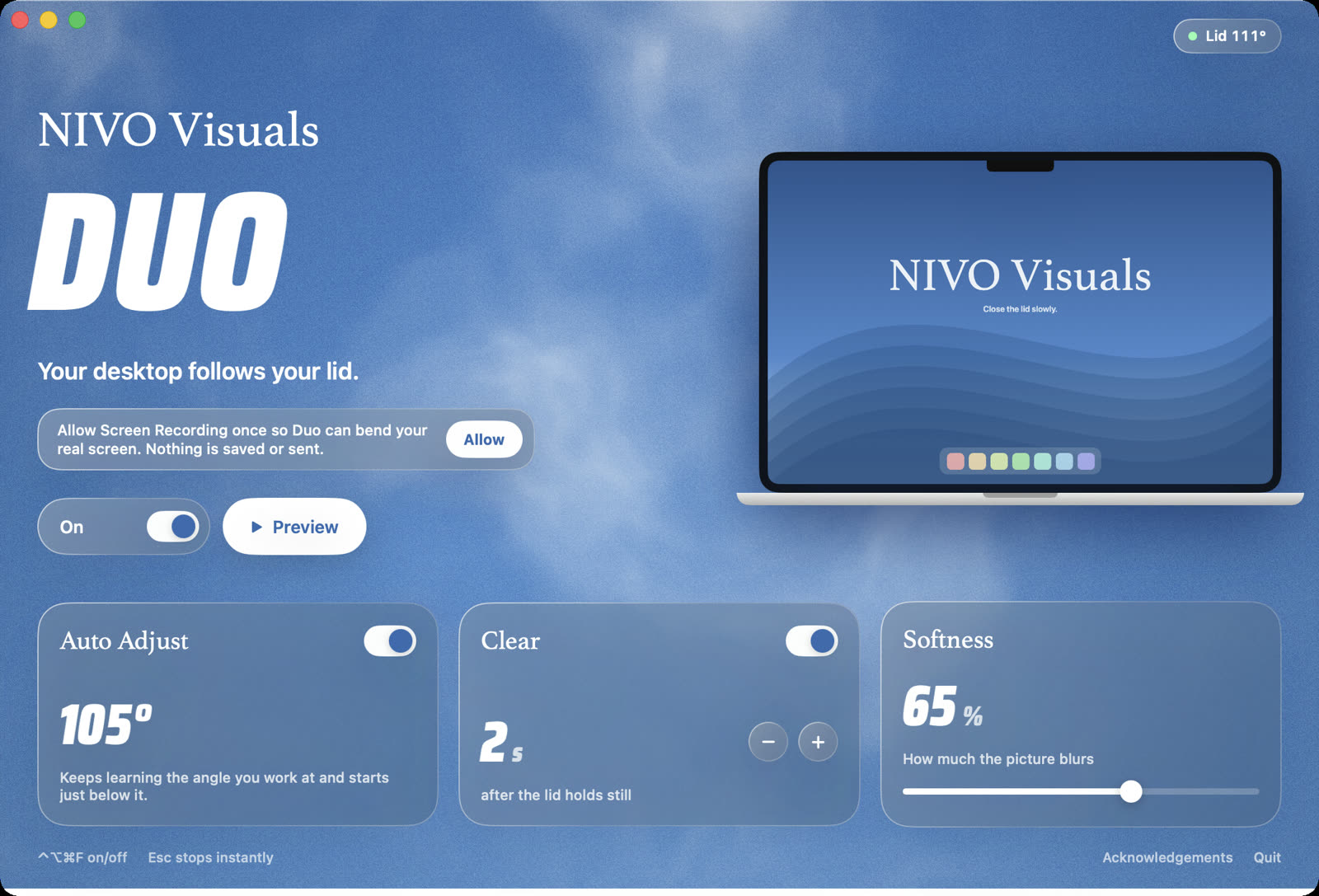
In Duo, click Allow. macOS opens Screen & System Audio Recording: switch on NIVO Duo, then choose Quit & Reopen. Frames stay in memory and are never saved.
GeneralAppearanceControl CentrePrivacy & SecurityDesktop & DockDisplays‹ Screen & System Audio Recording Allow the applications below to record the content of your screen and audio. NIVO DuoOther app
 -
5 Close your lid slowly
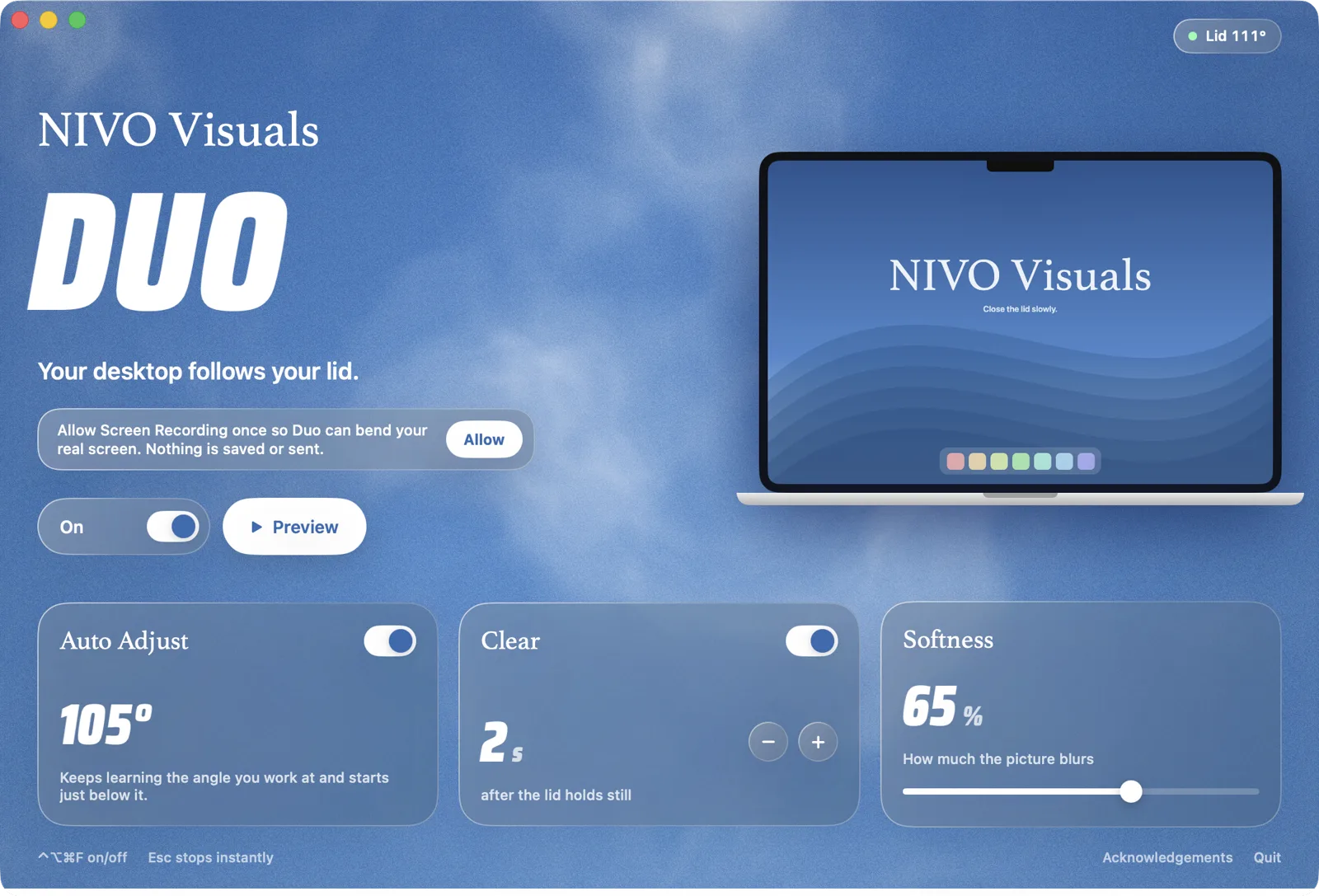
Done. Duo follows your lid from now on. Hold still and it clears after two seconds. Press Esc to stop it anytime, ⌃⌥⌘F to switch it on or off. To start Duo with your Mac, choose Open at Login in its menu bar icon.

Something not working?
“No lid sensor found”: your MacBook doesn’t have the lid-angle sensor. That’s the M1 Air, the 13″ Pro with M1 or M2, and Intel MacBooks. Write to us for a refund.
Screen Recording is on, but Duo still asks: in Screen & System Audio Recording, remove NIVO Duo with the minus button, add it again from Applications and reopen the app. This also helps after an update.
No “Open Anyway” button: open Duo once more from Applications first. The button appears for about an hour after macOS blocked it.
Nothing happens when I close the lid: check that the switch in Duo says On, and close the lid slowly. Duo animates the built-in display.
Still stuck? Write to hello@nivovisuals.de. A real person answers.