Mac app
Duo Animation
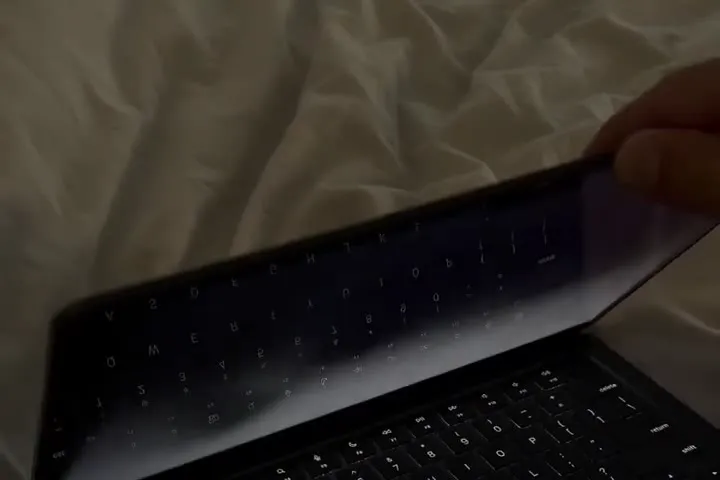
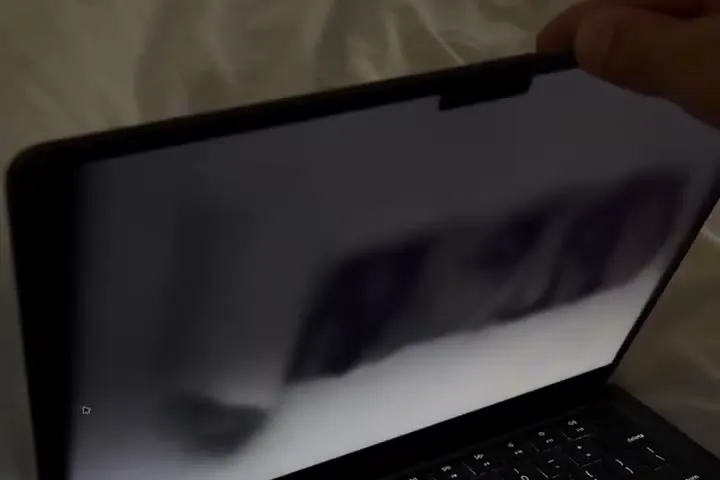
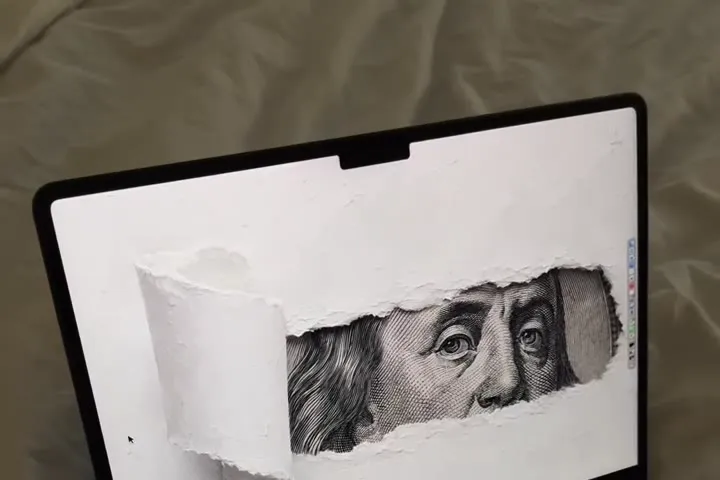
Close your MacBook and the desktop folds into the hinge. Open it and it flows back.
$4.90per month · cancel any time
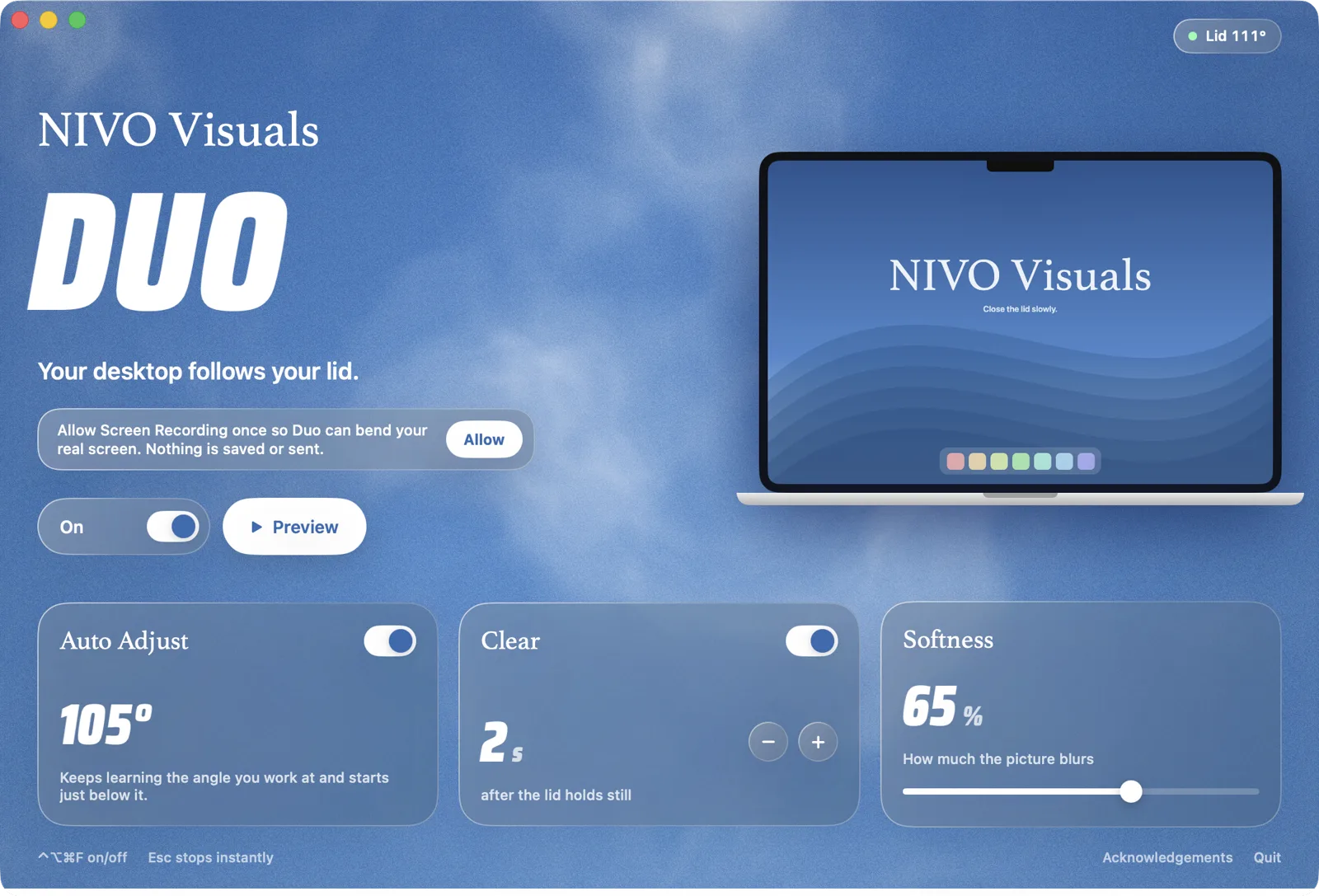
- Follows the real lid sensor
- Clears when the lid holds still
- Nothing is saved or sent
- Doesn’t run on your Mac? Full refund
- Instant download after payment
MacBook Air M2+ · MacBook Pro M1 Pro+ · check yours





Three moves.
- 01
Close slowly
The desktop leans into the hinge.
- 02
Keep going
It blurs away before the lid shuts.
- 03
Open
Everything flows back, sharp.
Will it work on my Mac?
Tap your MacBook.
Set up in two minutes.
macOS asks you to confirm it once.
- 1
Download & drag
Drag Duo into Applications.
- 2
Confirm once
System Settings → Privacy & Security → Open Anyway.
- 3
Allow & close the lid
Allow Screen Recording. Close the lid.
Questions
MacBook Air with M2, M3 or M4, and the 14″ and 16″ MacBook Pro with M1 Pro, M1 Max or newer, on macOS 13 Ventura or later. The M1 MacBook Air, the 13″ MacBook Pro with M1 or M2, Intel MacBooks and desktop Macs don’t have the lid-angle sensor Duo needs.
Duo is an indie app and isn’t notarized by Apple yet, so macOS asks you to confirm it once. Open System Settings → Privacy & Security, scroll down and click Open Anyway. You only do this once. The install guide shows every click.
To bend your real desktop, Duo needs a picture of it while the lid moves. The frames stay in memory on your Mac and are never saved, recorded or sent anywhere. When the lid is still, Duo stops capturing.
Barely. Duo only draws while the lid is moving and clears itself when it holds still. On battery or when the Mac runs warm it lowers its frame rate automatically.
Your download link comes by email right after you pay. Open that email on your MacBook and click Download.
Your choice. Monthly is $4.90 a month and you can cancel any time on nivovisuals.de/cancel. Lifetime is $24.90 once and you keep it. Either way your link always downloads the latest version.
Yes, on every MacBook you own.
Write to us within 14 days and you get a full refund. No forms, no back and forth.
Duo animates the built-in screen. External displays stay as they are, and in clamshell mode Duo simply waits.
Press Esc while the effect runs, or ⌃⌥⌘F anywhere. The switch in the app and the menu bar icon do the same.
Close your lid.